Mission
To make every invitation feel personal again, and every reply easy to give.
Invitations, RSVPs, check-in and memories live together, from the first invitation to the last photo.
To make every invitation feel personal again, and every reply easy to give.
Invitations people look forward to opening, for every celebration.
Well-planned events, seamlessly coordinated.
Discover the tools that help you plan, organize, and celebrate unforgettable events from one powerful platform.
Send and manage invitations with ease.
Keep track of RSVPs and guest lists.
Check guests in at the door, day by day.
Preserve and revisit event memories.
View attendance and event insights.
Organize timelines and important dates.
Bring your event ideas together and create an experience your guests will remember.
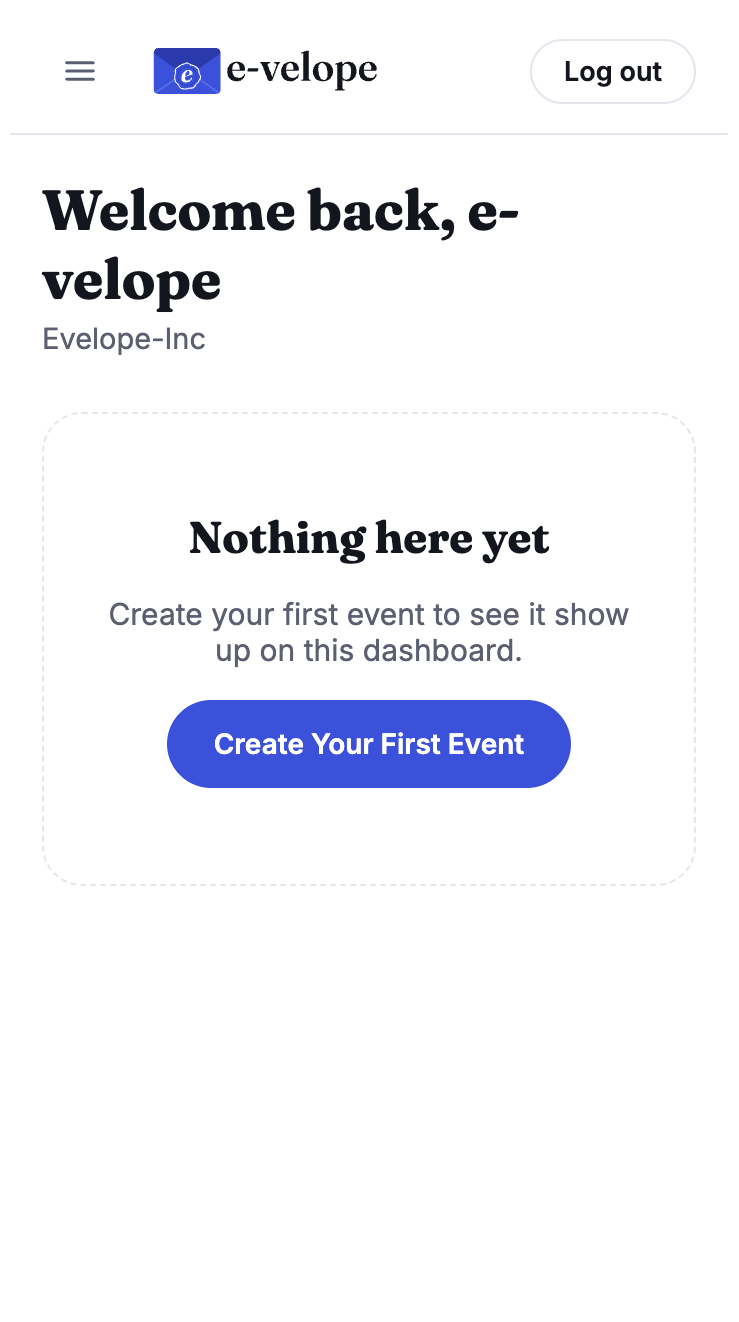
From your dashboard, choose Create Event. A short wizard takes you through the basics, including the date and venue for each day, then your RSVP form, and an optional program and photo album. After that, add your guests and send your invitations.
Yes. Use additional fields to ask what you need to know (text, numbers, dates, checkboxes, or a dropdown for something like meal choices) and choose which ones guests must answer. Plus-ones are set per guest when you import your guest list.
Guests can change their response until your RSVP deadline, and your guest counts follow their latest answer, so you always plan with current numbers.
Yes: weddings, birthdays, conferences, parties and more. Events can run over several days, each with its own venue, and every guest is invited to just the days that apply to them.
Yes. Send invitations, collect replies, check guests in and gather everyone's photos, free for 30 days. No card needed.